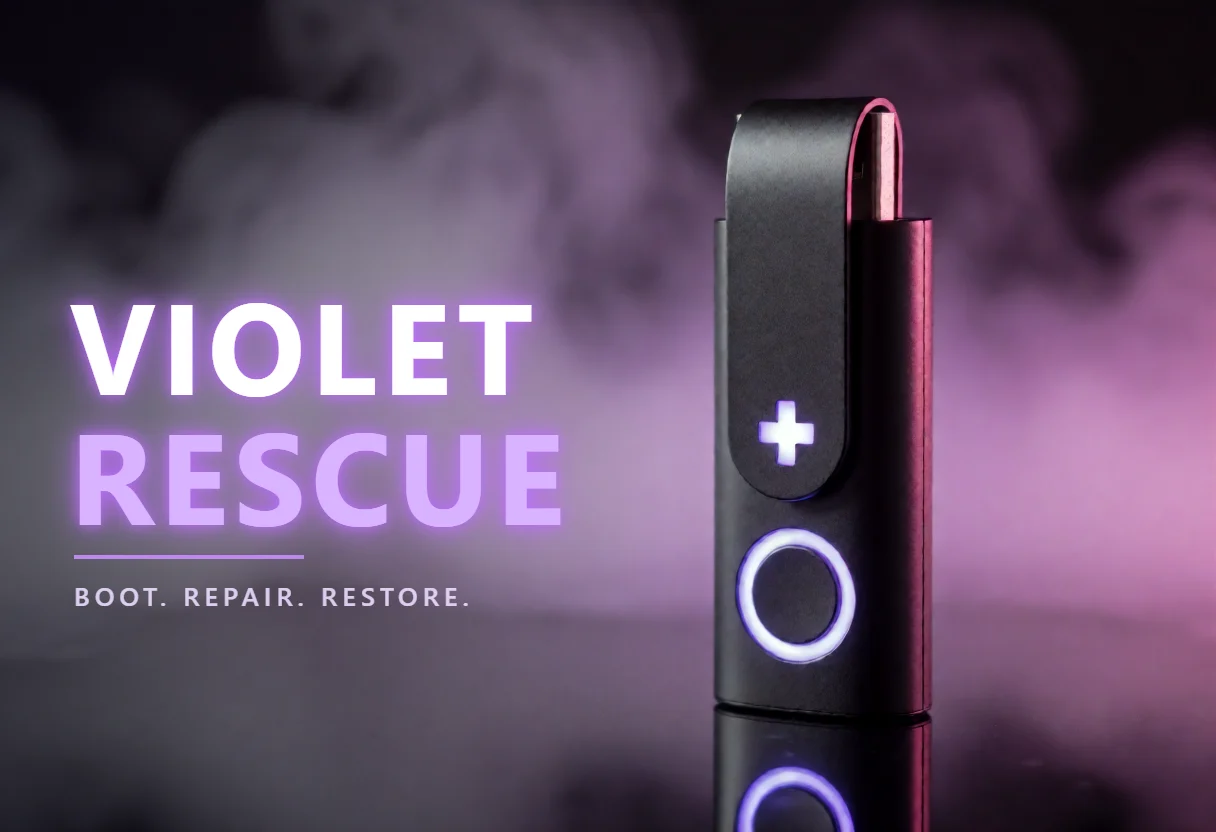
Fixes a Windows PC that won't start, with big buttons instead of commands.
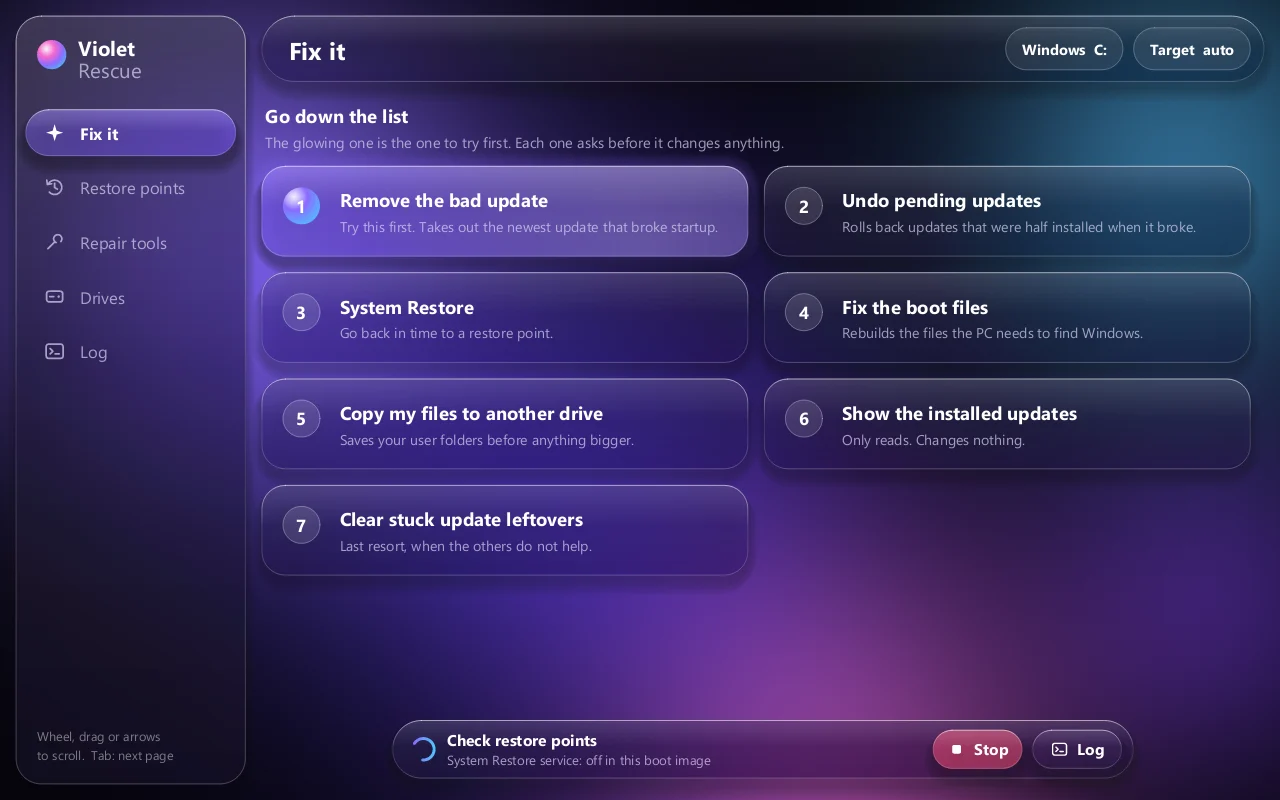
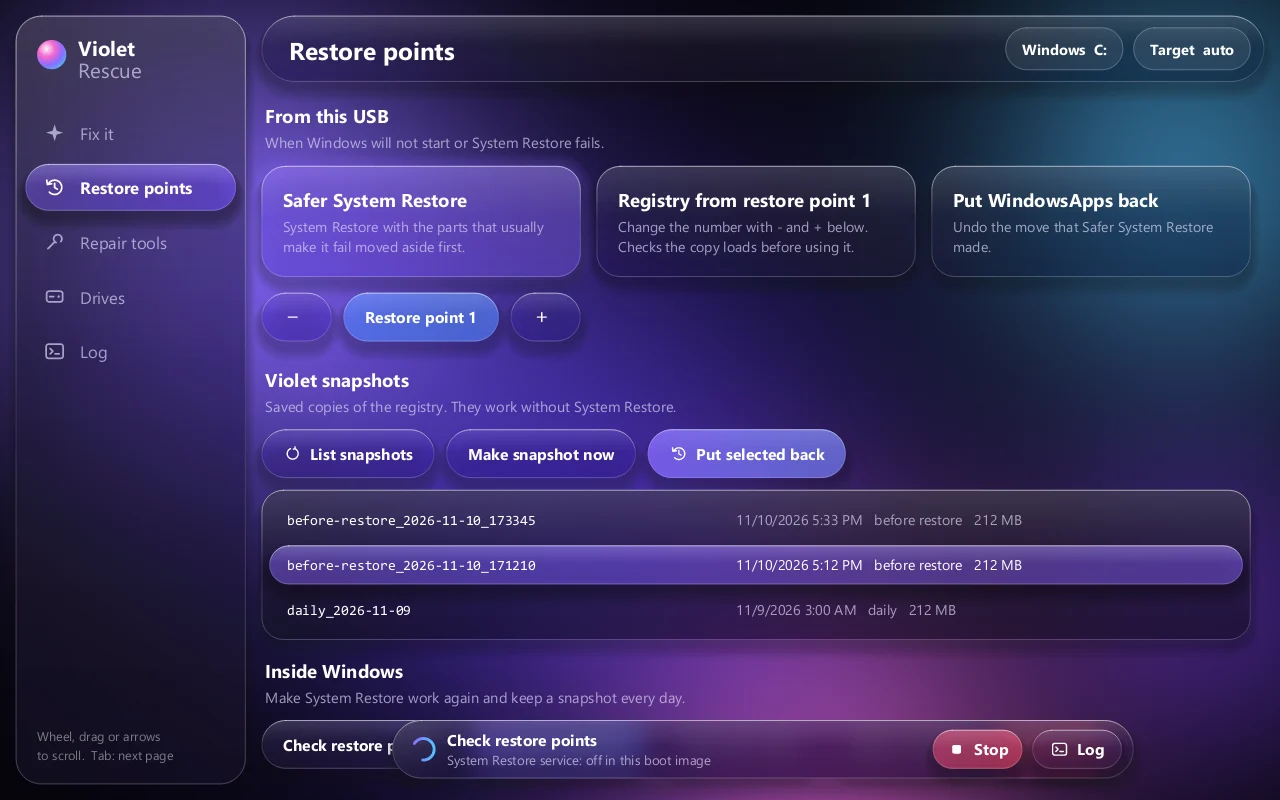
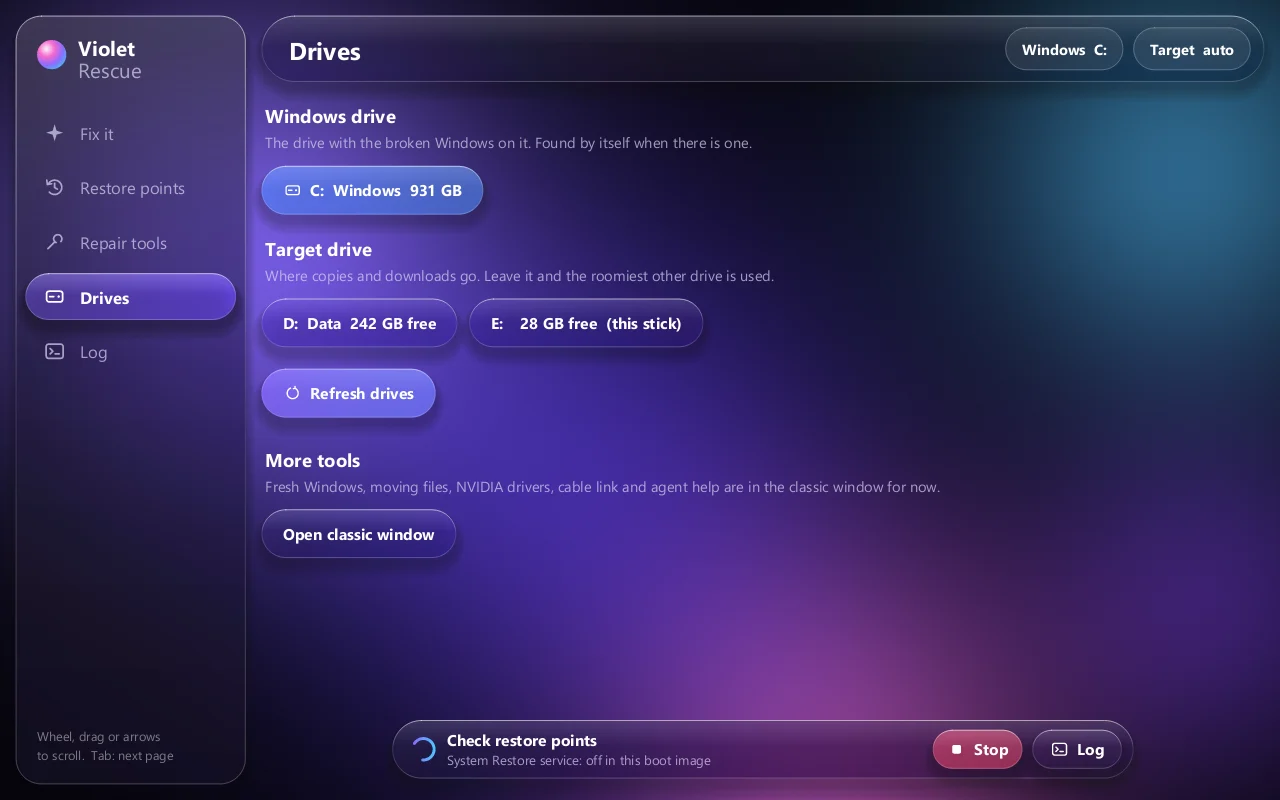
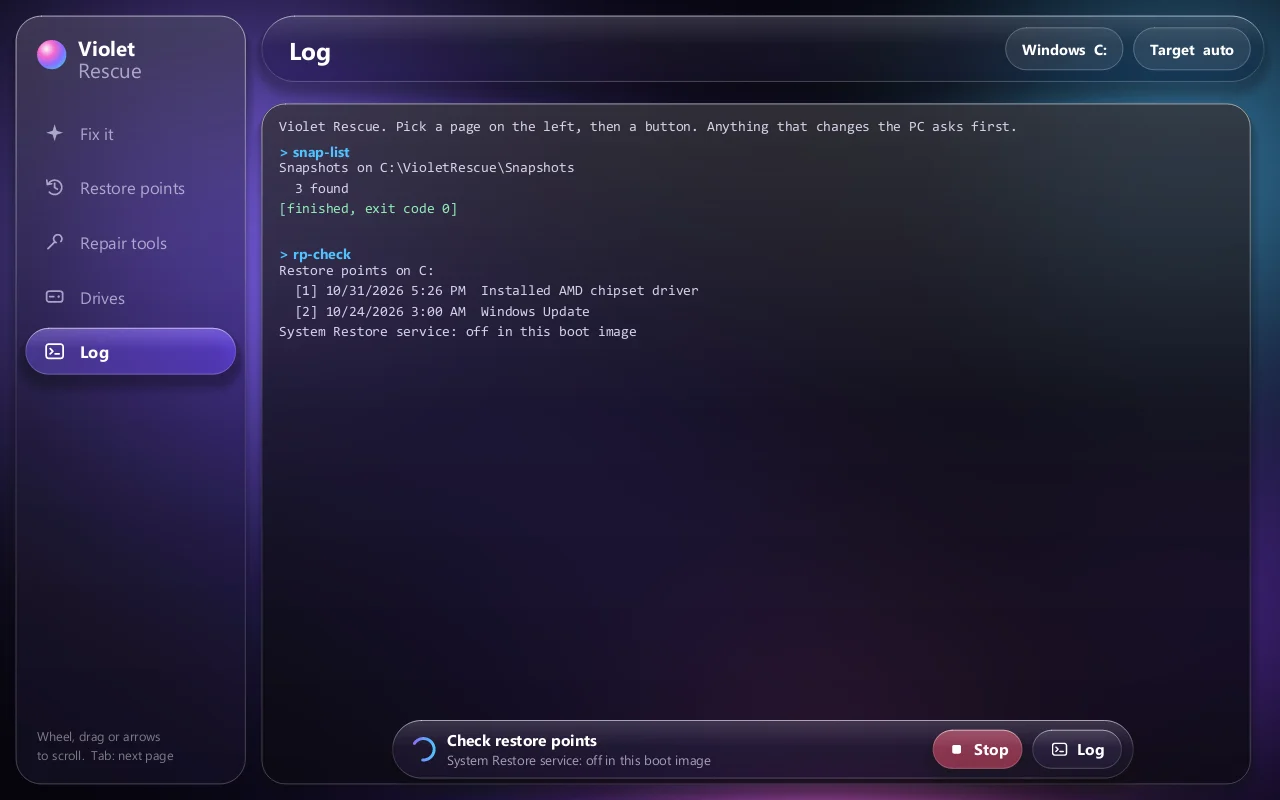
When an update or a driver stops Windows from starting, the built-in recovery offers a few tiles and then a command prompt. Violet Rescue boots from a USB stick into the Windows Recovery Environment and puts each repair on its own button, in the order that usually works: take out the update that broke startup, undo half-installed updates, System Restore, rebuild the boot files. Copy your files to another drive first with one button. When System Restore itself fails, it has two more ways back: the registry from a restore point, checked before it is used, and Violet snapshots, saved copies of the registry that need no System Restore at all. Everything that changes the PC asks first.
- Fix it page: the usual order of repair, one button each, the one to try first glowing
- Restore points: Safer System Restore, registry from a restore point, Violet snapshots
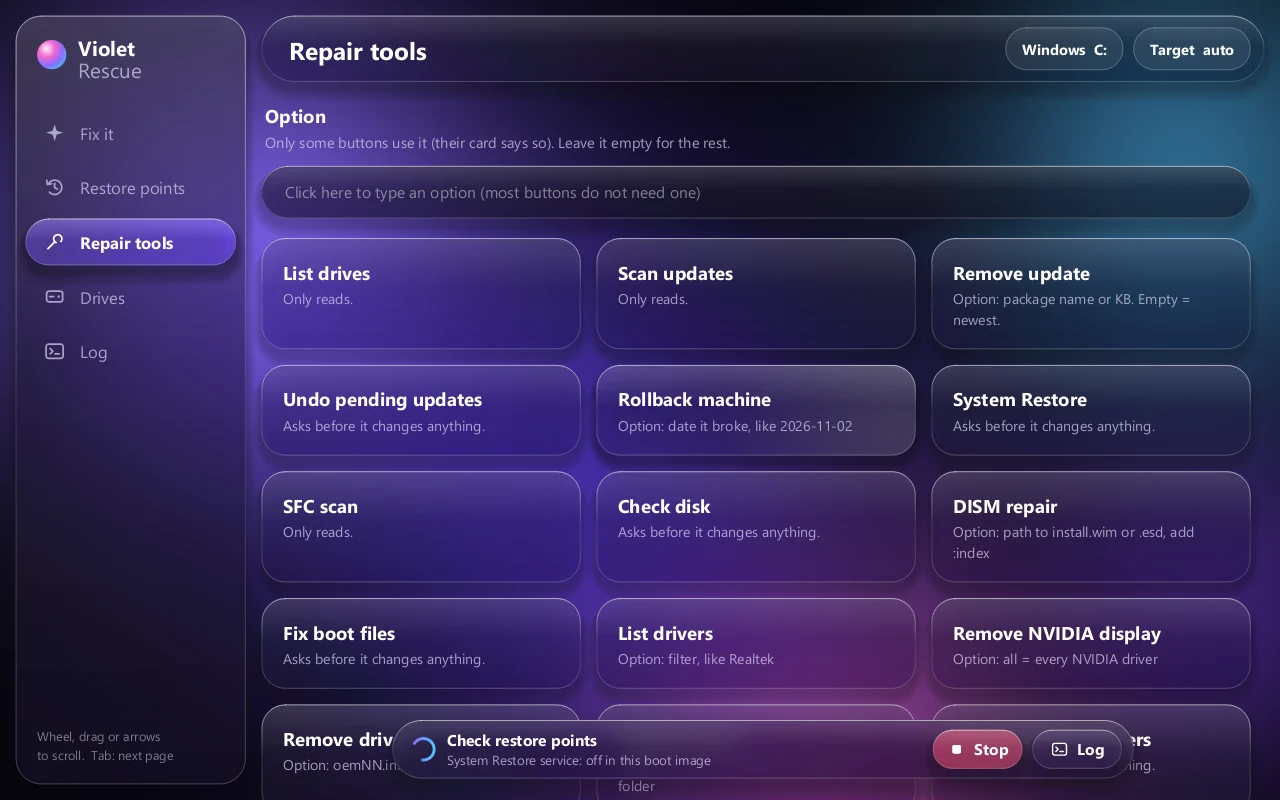
- Repair tools: SFC, CHKDSK, DISM, drivers, startup items, rollback by date
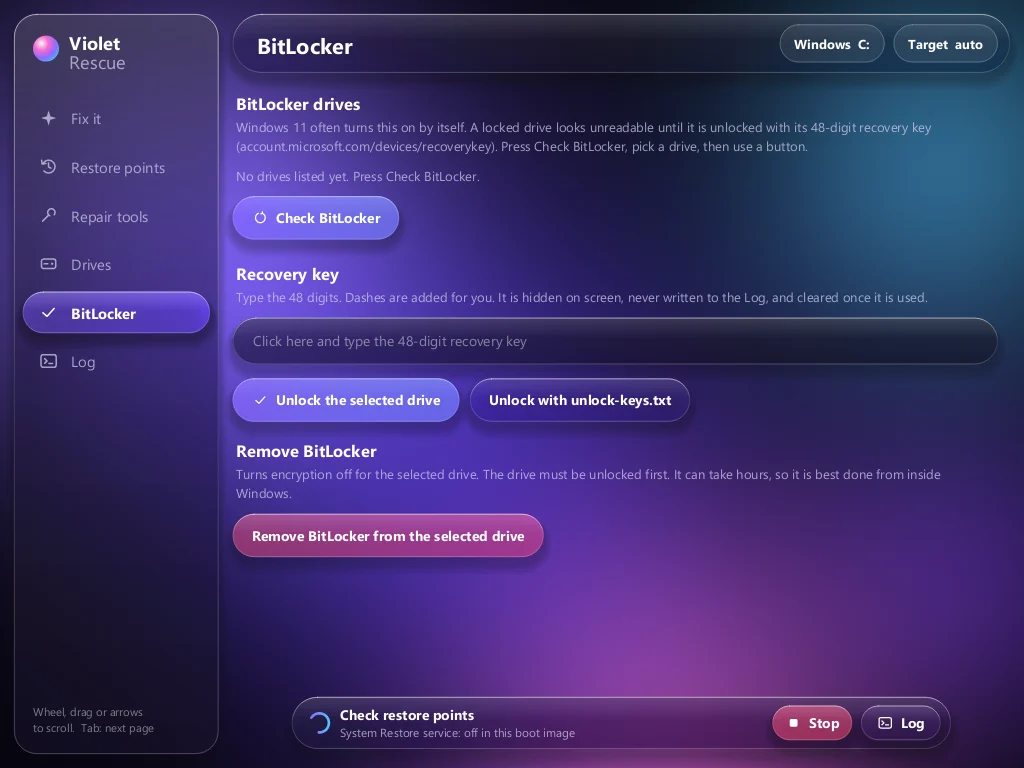
- BitLocker page: unlocks a locked drive from recovery keys you provide on the stick, and never prints them
- Copy my files off: user folders to any other drive before anything bigger
- Native Rust window drawn on the CPU, so it runs where there is no graphics driver
- Classic window with fresh Windows, moving files, NVIDIA drivers and a cable link to a helper PC
Version 0.1 is out: an early release, used on a real broken PC but not yet tested across many machines. Copy your files off before any repair.
More apps
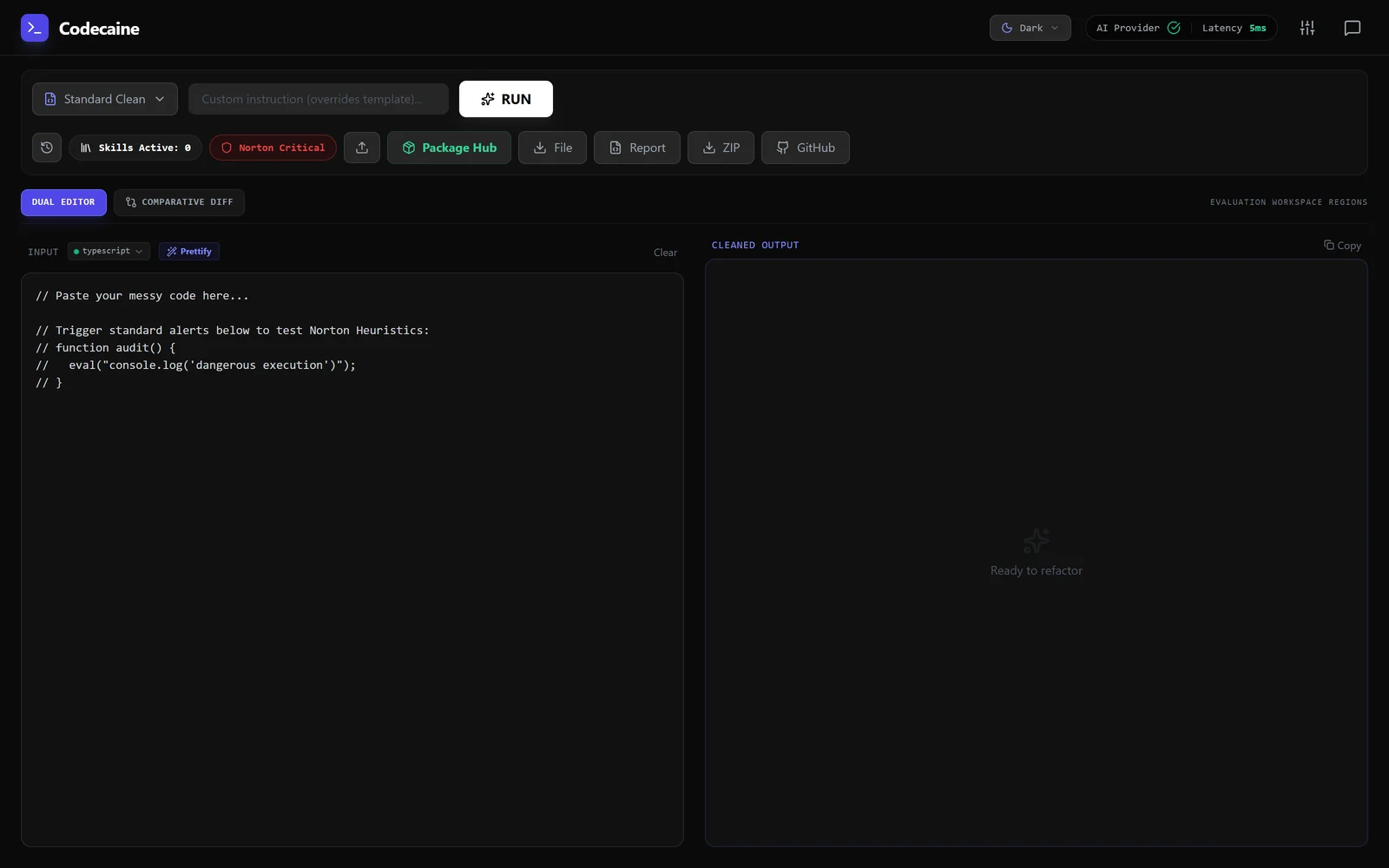 A code reviewer that argues with itself before it touches your code.CCO Studio
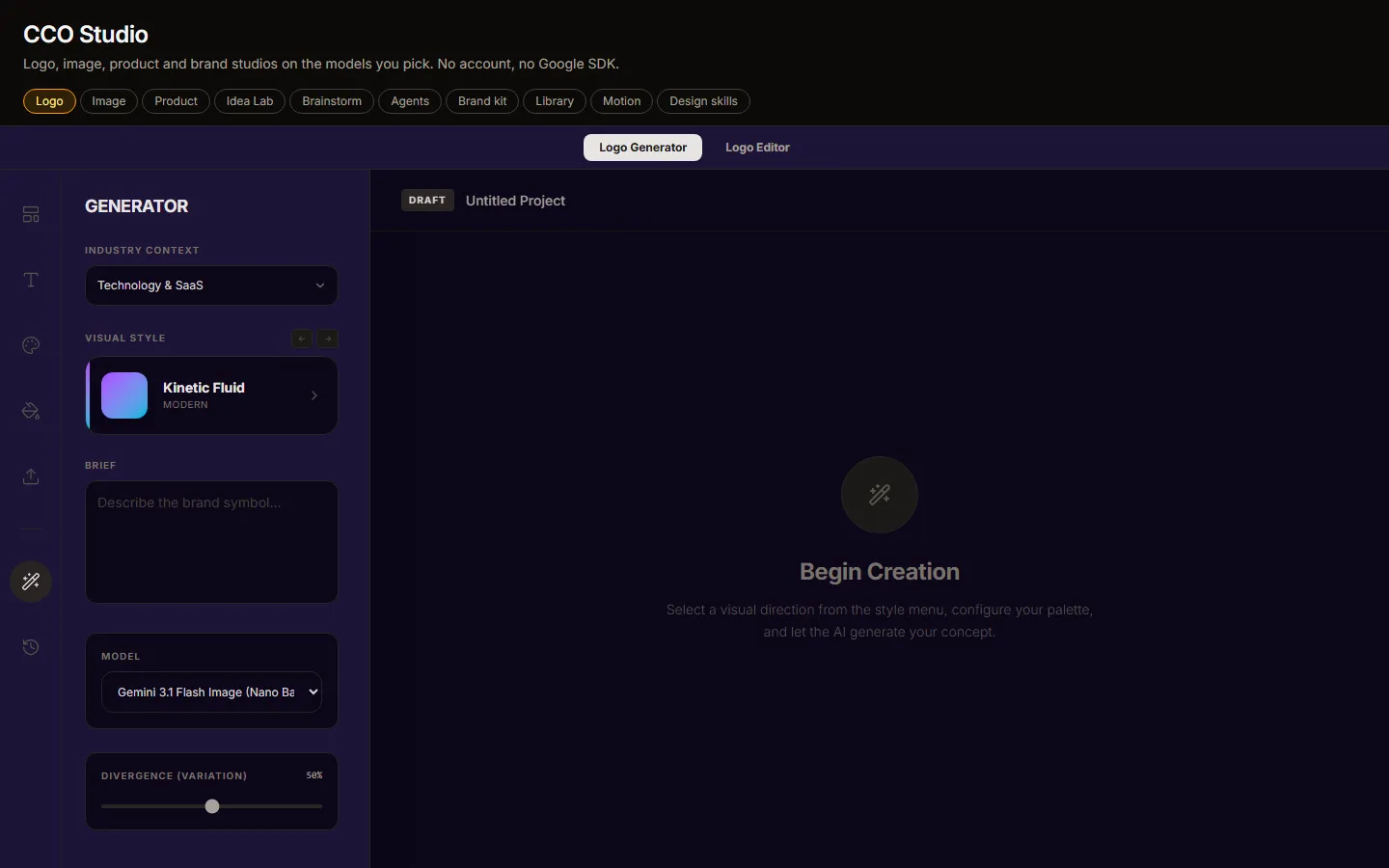 A creative department in one window.PortrAIt StudioNo screenshot yetA neural darkroom: re-render camera angles in 3D, then develop the print.ComfyRAM Manager
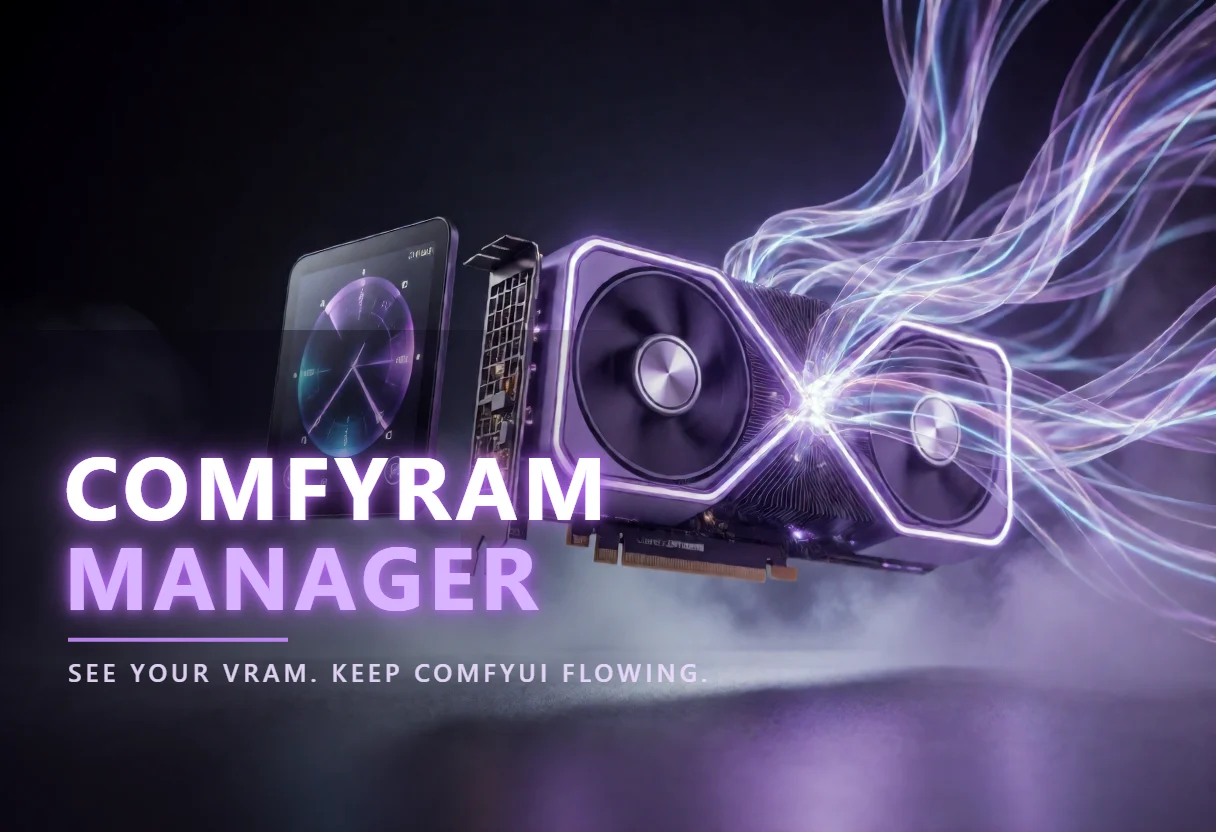 Frees the memory ComfyUI is still holding, before the next run fails.bashme
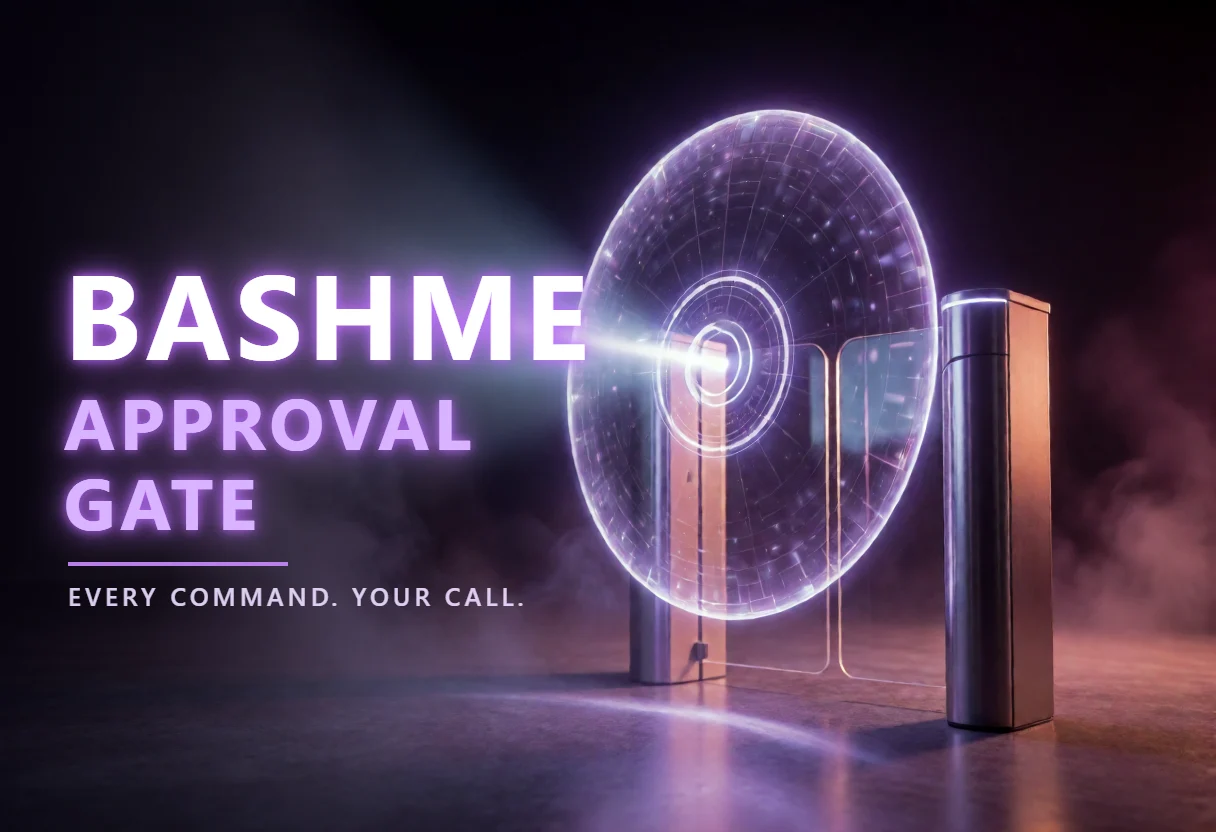 Holds what an agent wants to run until a person agrees.Violet PairNo screenshot yetSend a generation job to whichever GPU in the house is free.Solar Violet Nodes
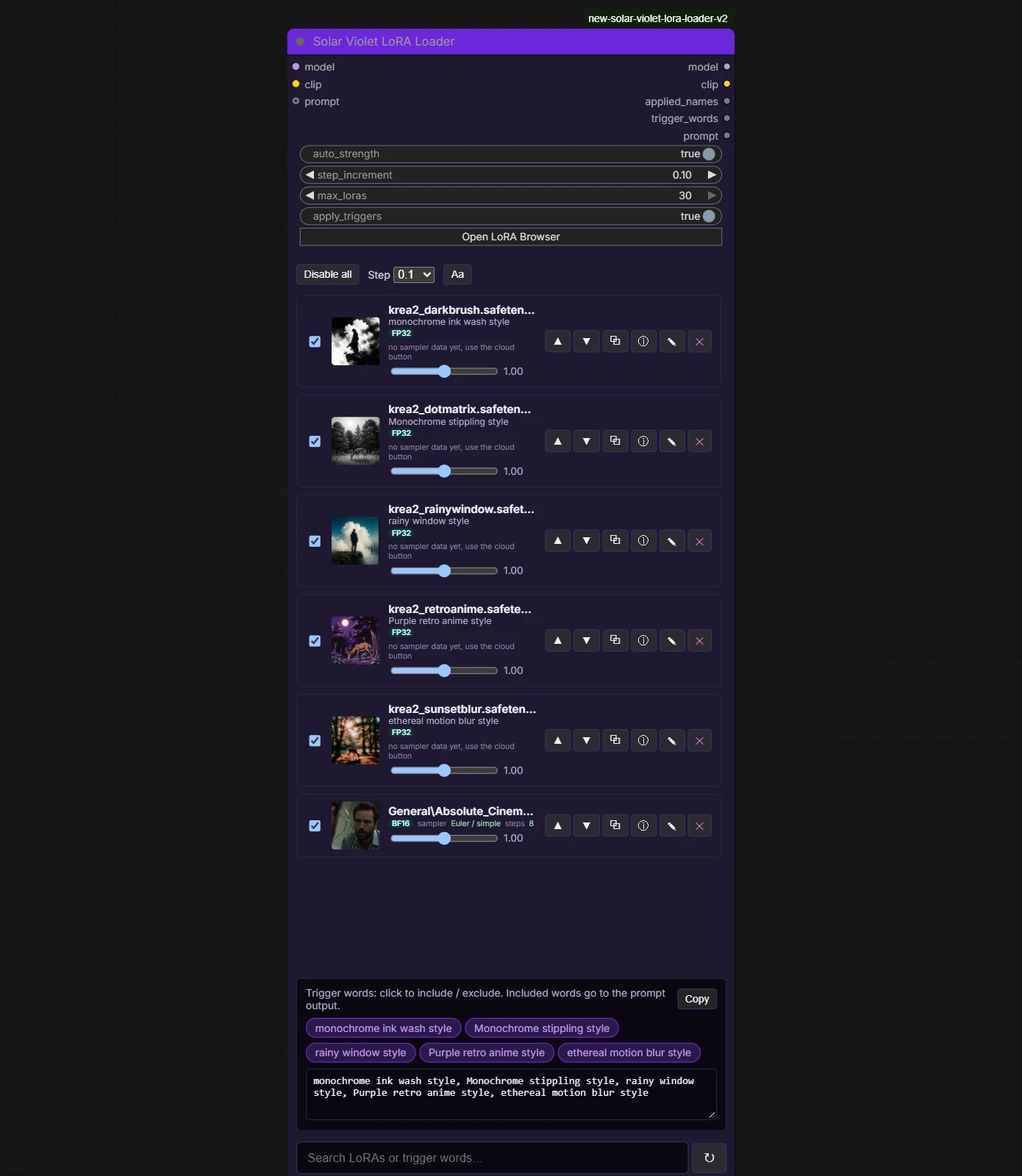 Typed loaders, a LoRA loader that scrolls and grows with your stack, and model browsers that find duplicates in every ComfyUI folder.File SDM
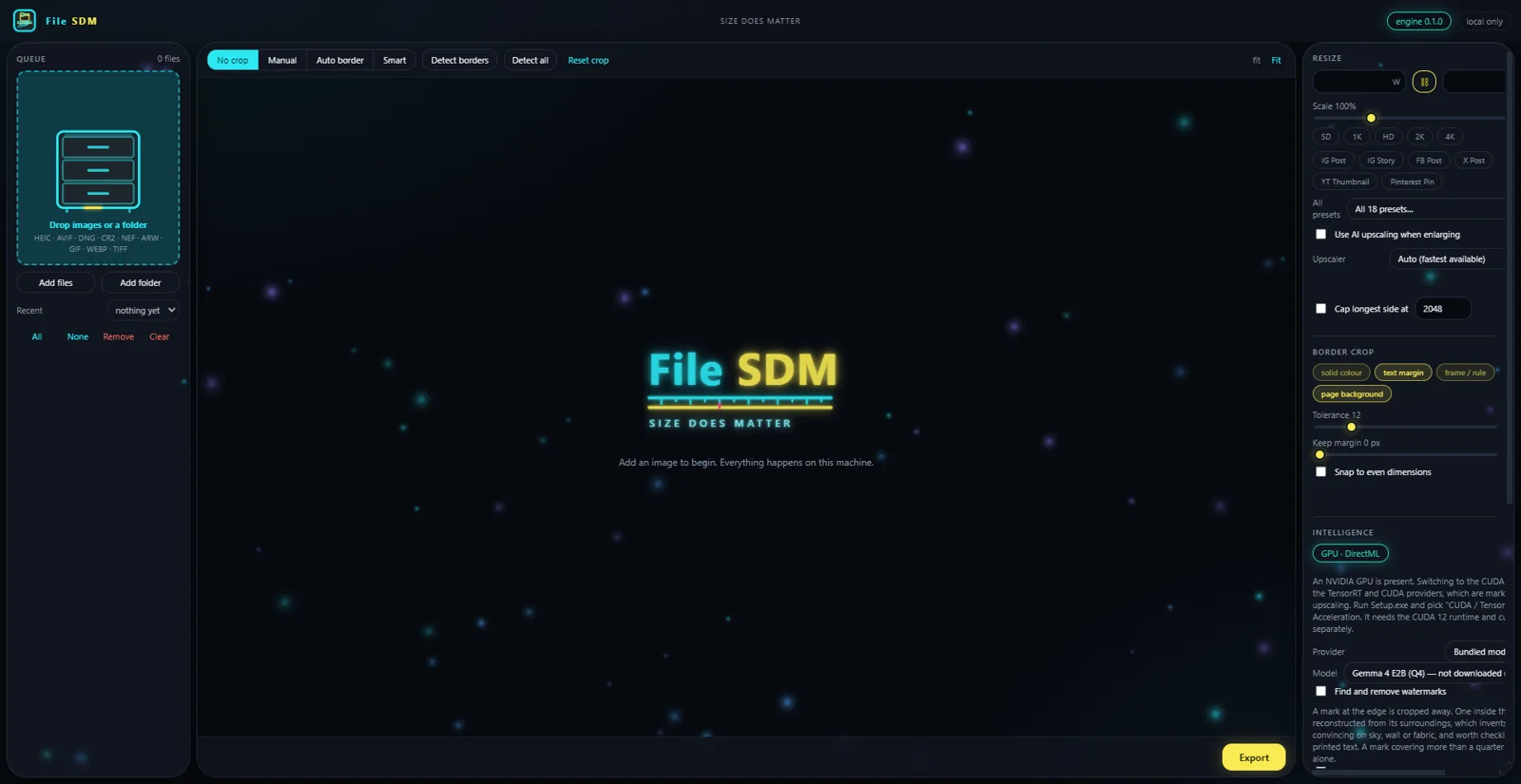 Size does matter. Resize, convert and crop a folder of images without any of them leaving the machine.ArtPi6
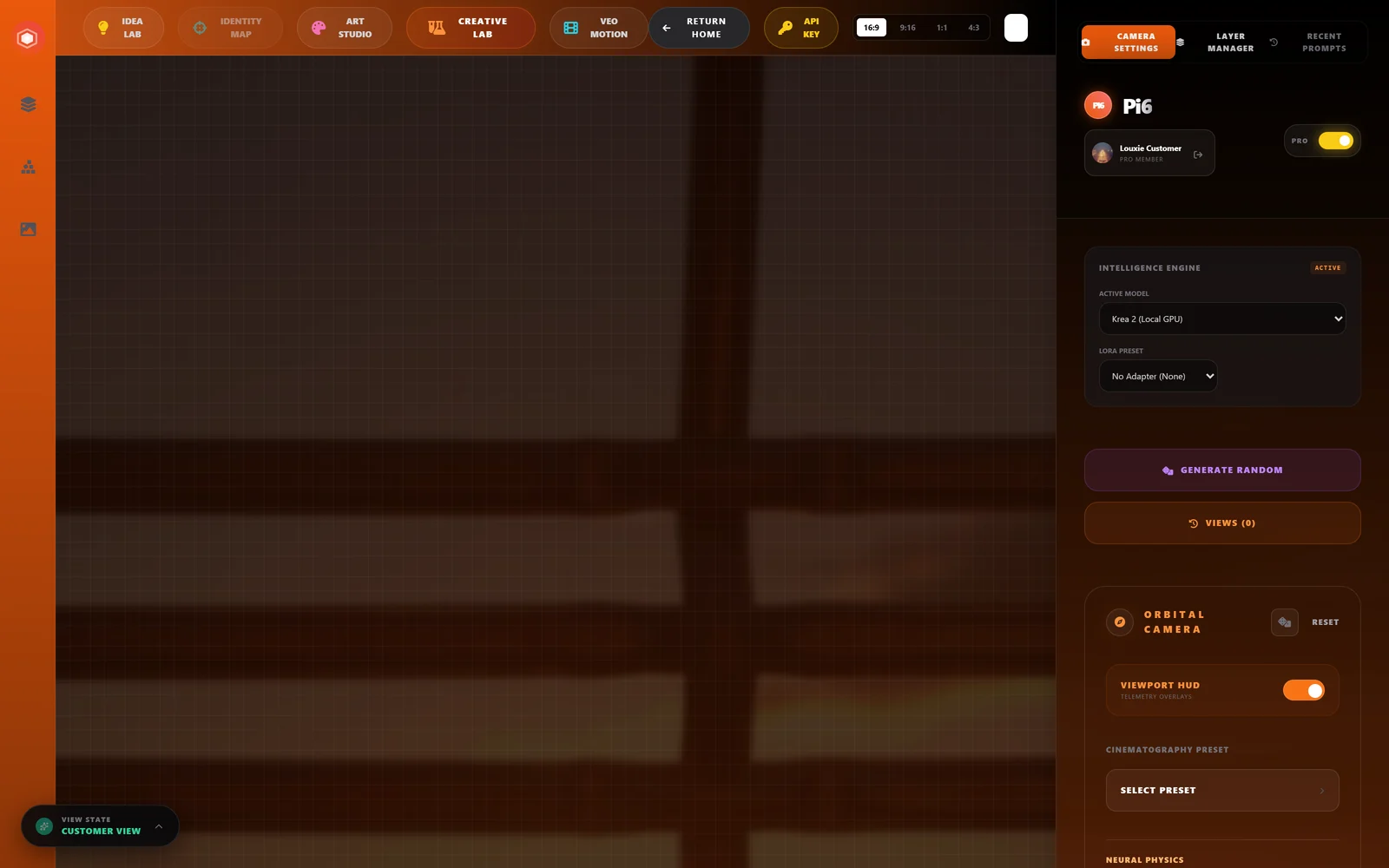 Angles, art styles, depth-map canvas, and an idea lab — one workspace, any model you have.GenFix
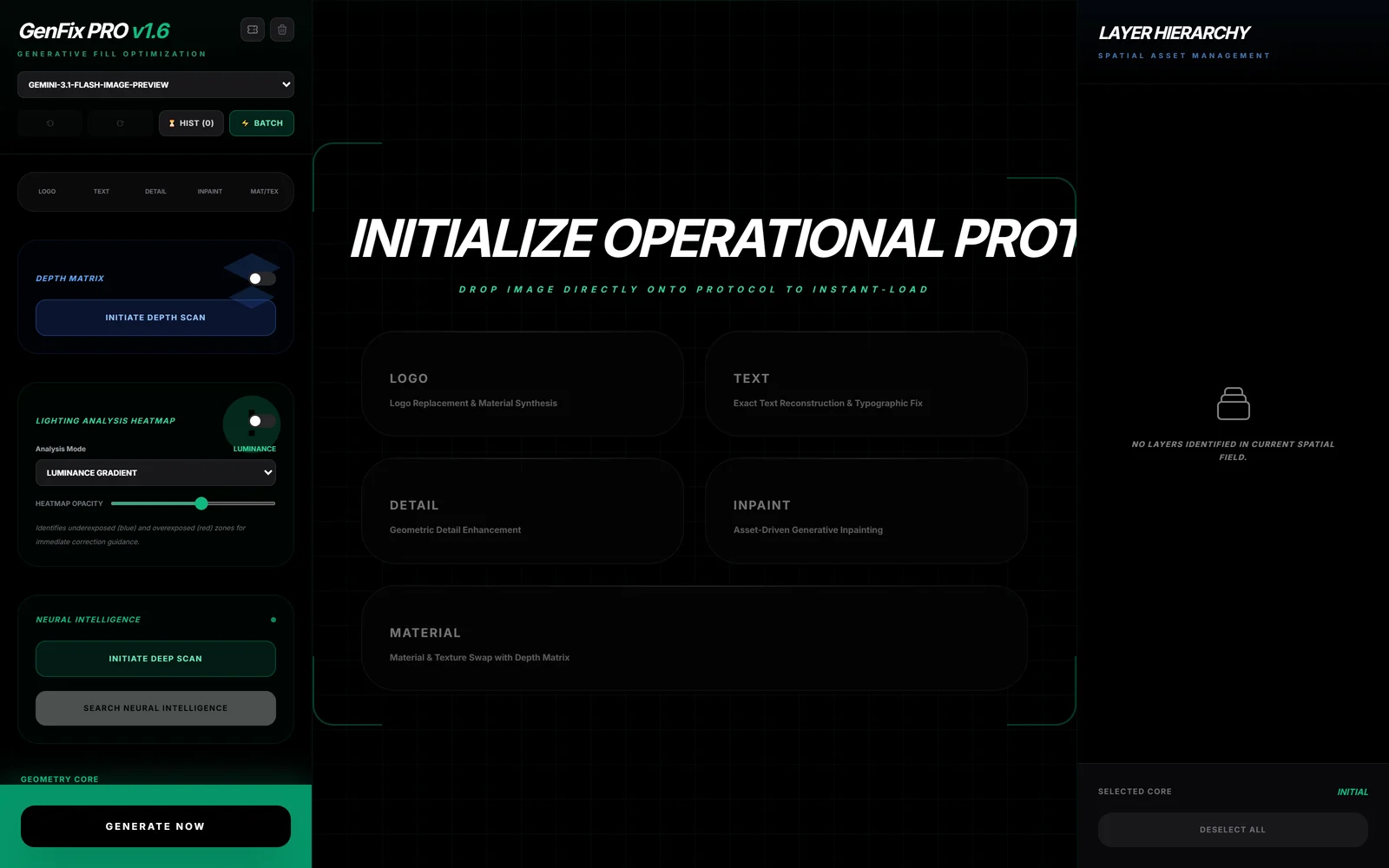 High-fidelity text reconstruction, logo replacement and pattern synthesis.LoumiNova AI
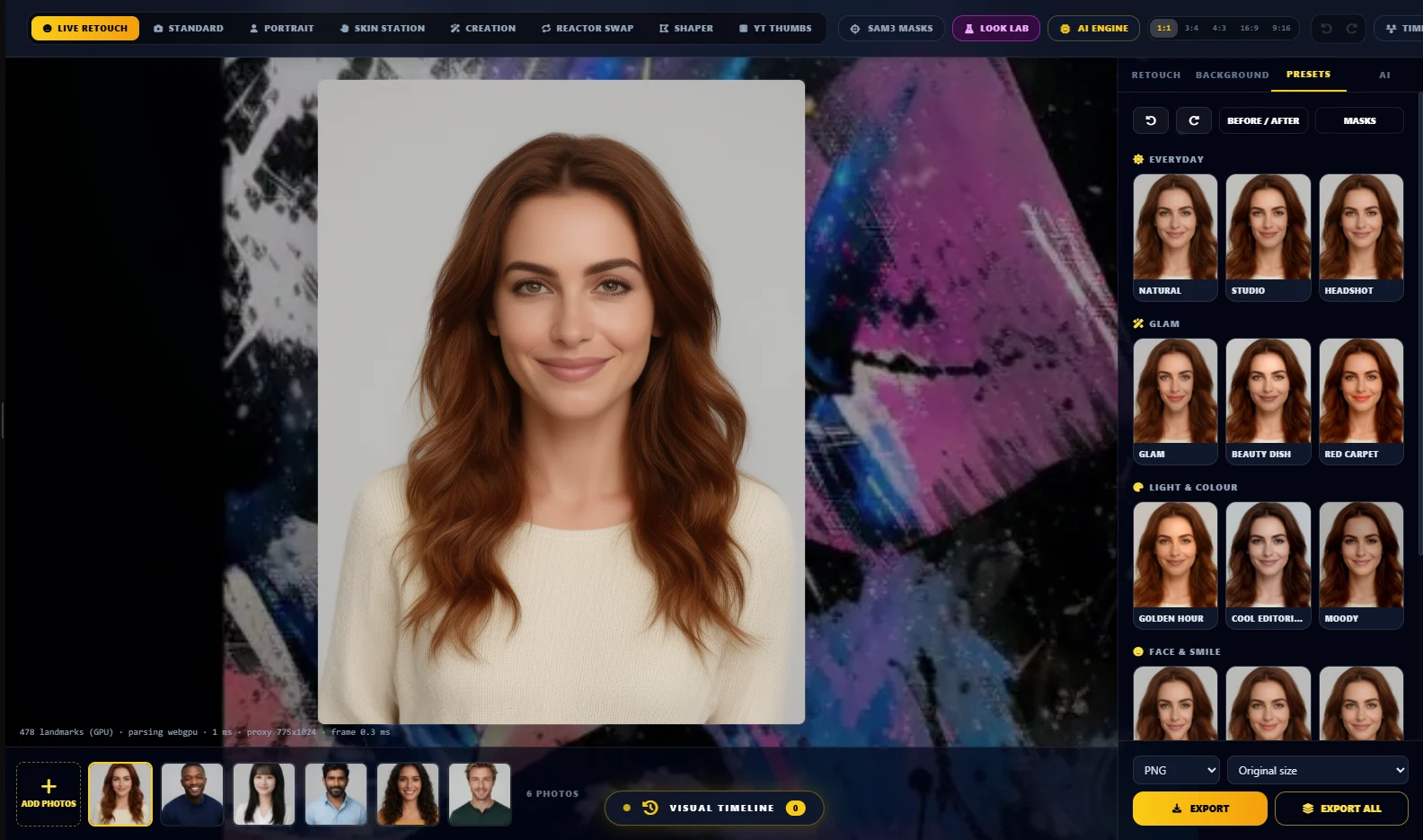 Retouch portraits live on your own machine, then apply the look to the whole shoot.Idea Lab
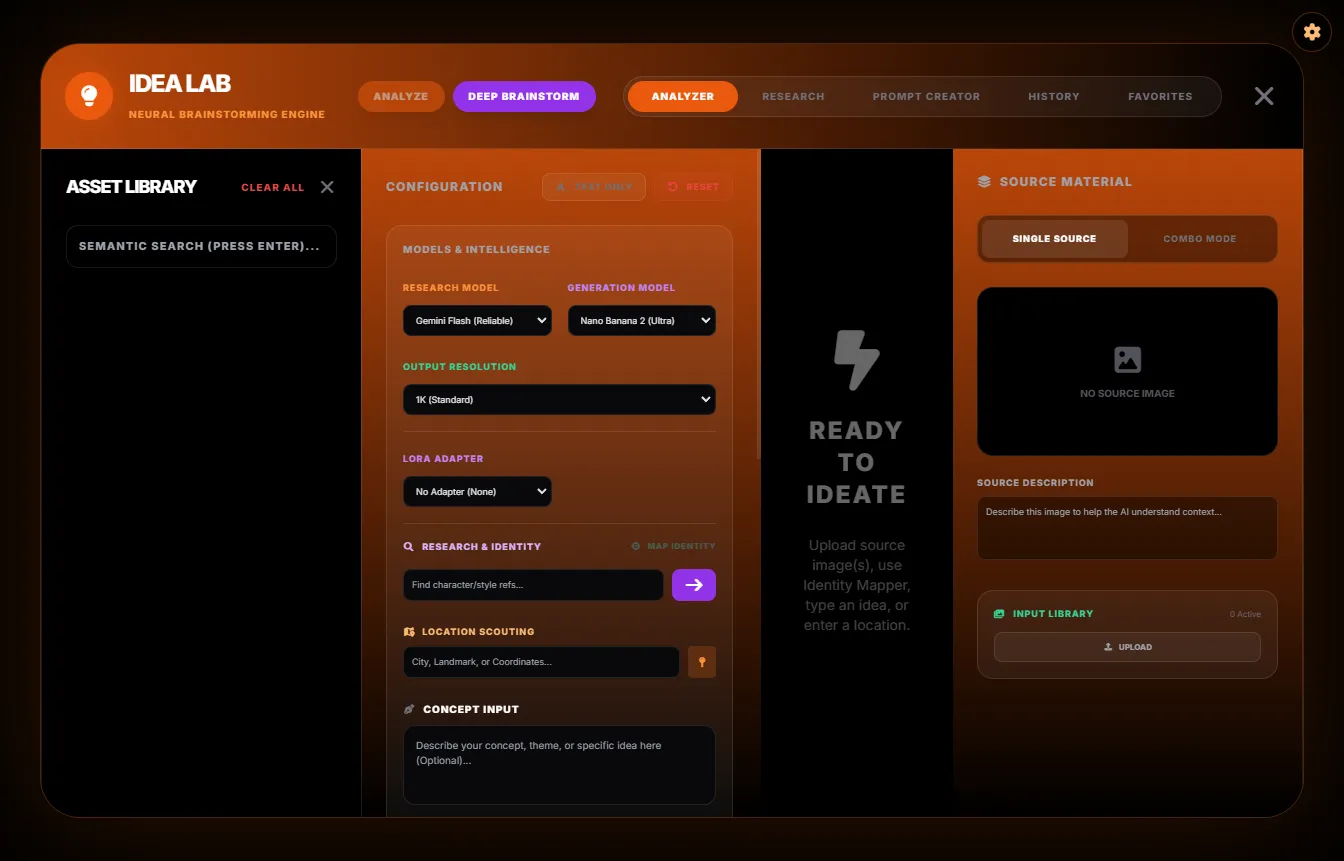 Turn a picture, a pile of references or a half-idea into prompts that work.XenoVioletNo screenshot yetOne image app: ComfyUI when you want nodes, the Violet Engine when you do not.CivitAI BrowserNo screenshot yetOne model browser that looks and works the same in every VIOLINET app.Plugin Marketplace
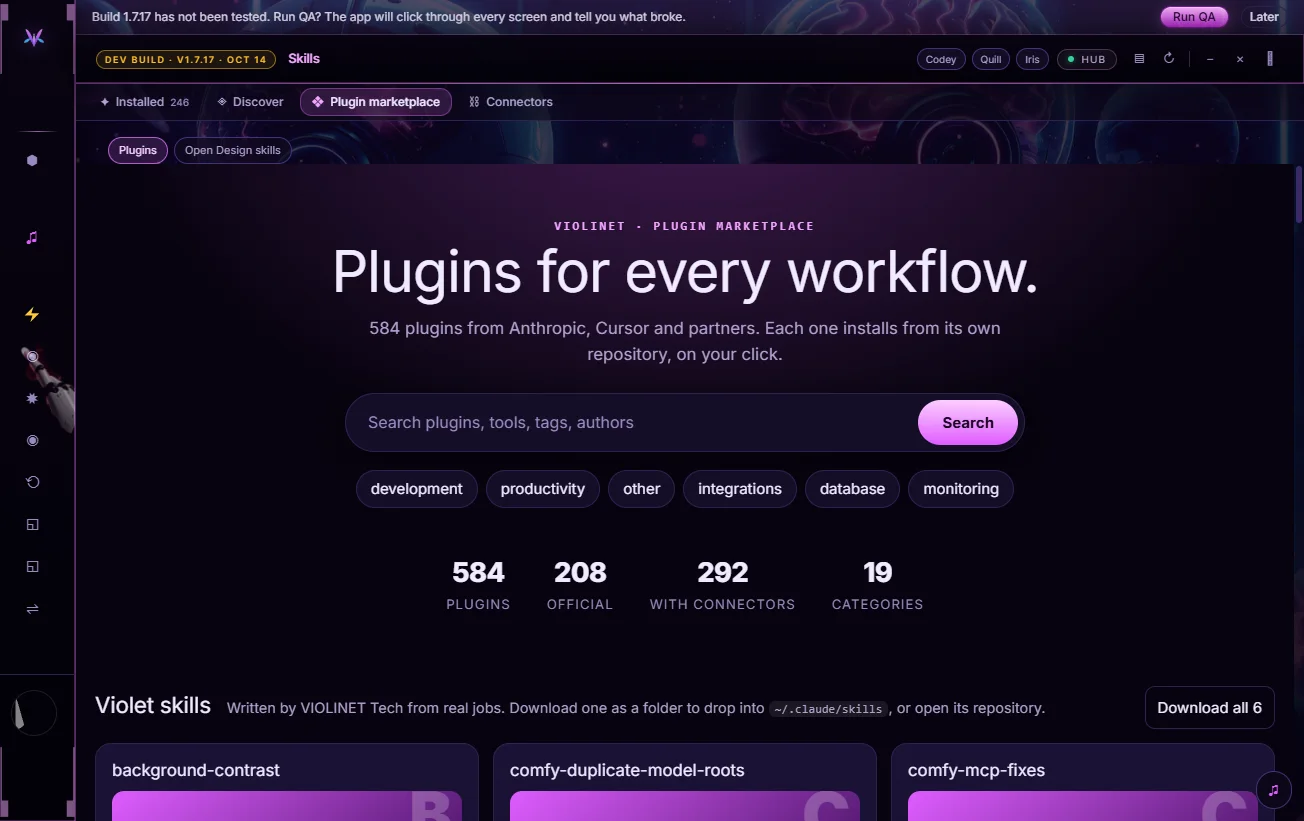 Plugins and skills for every workflow, one click from VIOLINET OS.Solar Violet GalleryNo screenshot yetYour images, organised: from your PC, your cloud sites and your account, in one gallery.